Verified

Best All-Around Waifu
18+
Adult art drawn from a text prompt, plus how to pick a tool.




AI hentai images are anime-style art that a model draws from a text prompt, not real photos run through a filter. You describe a character, a setting and a mood, then generate a picture in seconds. Everything we cover is fictional, and every character is an adult.
People also search for it as hentai ai, hentai porn or NSFW art, and the label doesn’t change what you get. What does change it is how well a tool holds an art style, follows your wording and keeps one character looking the same. Good ai generated hentai passes all three.
The cards below follow our own ranking, which leans on image results first and price second. A chat-first app like Joi AI and a dedicated image tool solve different problems, so check the badges on each card before you compare scores.
Every tool gets the same checks. We run one fixed character through several prompts, swap the art direction a few times, and spend a stretch of normal use on the free tier before paying for anything. We note where the paywall hits and how fast credits drain. Every character is an adult, and tools that blur that line get dropped.
Sales pages love “advanced AI”, “cutting-edge” and “user-focused platform”. None of that tells you whether picture two matches picture one. Check the credit meter, since most tools charge per image, and read how long chats and images are kept. If you share a device, look for a toggle to hide mature content. Wanting adult art isn’t taboo. Paying blind is just a bad habit.
The model turns your wording into numbers, then repeatedly cleans up a field of random noise until the result matches those numbers. That’s the short version, and it explains most of the quirks you’ll run into. Nothing gets looked up or pasted together from a folder of existing pictures. Every image is built from scratch, which is why two runs of the same text can look different.
The first stage reads what you typed. A language component splits your text into pieces and converts each piece into a list of values that capture meaning, so “red jacket” and “crimson coat” land close together. That’s why synonyms often work and why word order matters less than you’d expect.
Very long descriptions get muddy for a related reason. The model has a limited budget of attention, and the details at the end get the least of it.

From noise to a finished hentai picture
The second stage starts with static, literally random values, and removes a little of it at each step. At every step the model checks the numbers from your text and nudges the picture toward them. Early steps settle the big shapes, like pose and framing. Later steps settle the small stuff, like eyes, hair strands and fabric folds.
Many tools run a few dozen steps per picture. More steps cost more time or more credits, and they don’t always help. Past a certain point you’re paying for polish the model can’t add.

Why one description gives different hentai pictures
The random starting point is called a seed. Reuse the same seed and the same wording and you’ll usually get the same picture back. That makes it the easiest way to test whether a change in wording did anything. Change only the seed and you get a fresh take on the same idea.
The tool’s own hidden settings add another layer. One of them controls how strictly the model follows your text versus how freely it improvises. A tool tuned toward obedience feels precise but a little stiff. One tuned toward improvisation feels creative and ignores details you cared about. Neither is wrong, and they suit different people.
What the tool adds around the model
The model is only one part of what you’re paying for. Around it sits a queue that decides how long you wait, a content filter that decides what’s allowed, and a credit meter that decides what it costs. Some tools also rewrite your text before it reaches the model, adding quality boosters and style words you never typed.
That rewriting helps beginners and annoys anyone who wants control. If your results always seem to drift toward the same glossy look, a hidden rewrite is a likely cause. Look for a setting that turns it off.
Three myths about how it works
The first myth is that the model keeps a library of pictures and collages them. It doesn’t. It learns patterns from its training pictures, and that’s why it can draw a character nobody has drawn before. Rarely, it can echo a training picture closely, which is a known weakness and a good reason to keep real people’s names and specific artists’ names out of your wording.
The second myth is that more detail always helps. Past a point it dilutes the details you care about. The third is that a bigger picture means a better one. Size adds pixels, not skill, and a flawed composition at high resolution is just a larger flaw.
What this means when you pick a tool
Treat each picture as one draw from a deck. Good tools let you see or lock the seed, rerun a result with one change, and keep the settings you liked. Weak ones hide everything behind a single button, so your only option is to roll again and hope.
That’s the practical test we use. Can you repeat a result you liked? Can you change one thing without losing everything else? If the answer is no, the tool will feel like a slot machine, and slot machines get expensive when they charge per spin.
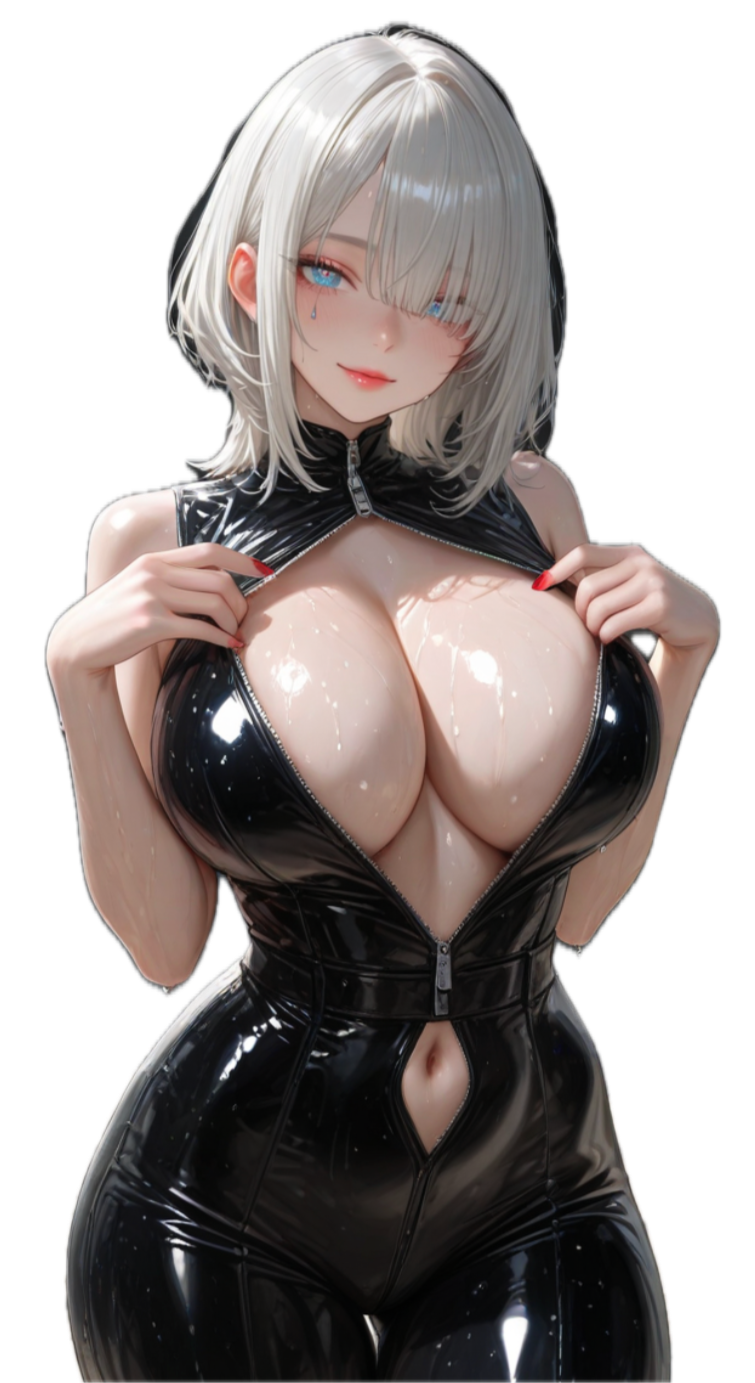
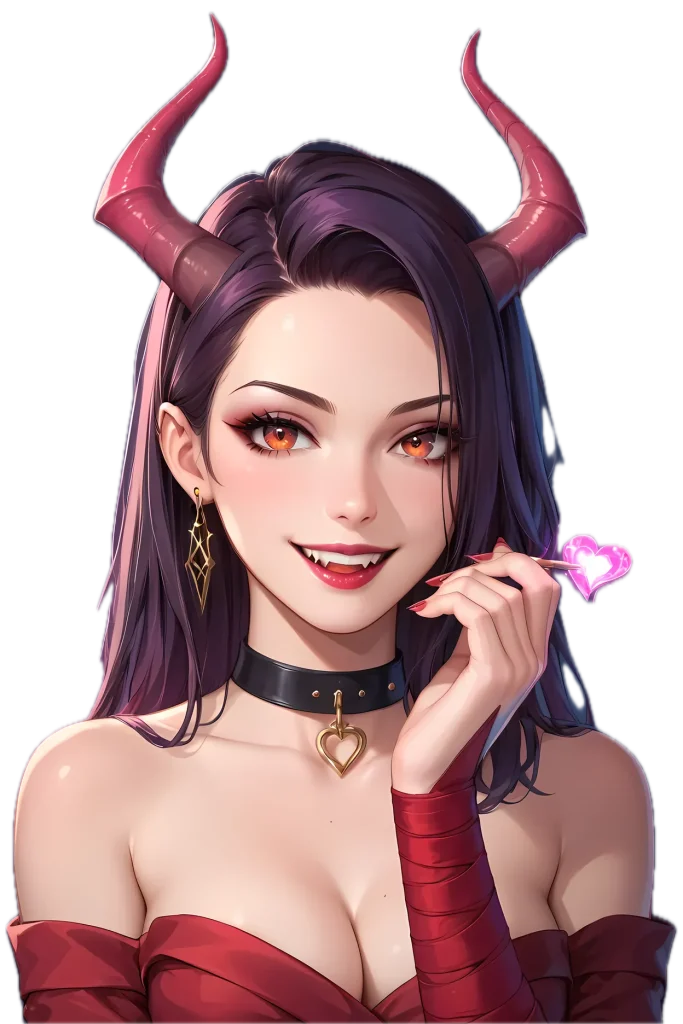
Each tool sits on a different model, and each model has been shaped by different training pictures and extra tuning. A broad model trained on pictures from all over the internet can draw almost anything. It draws stylized adult illustration the way a tourist speaks a language: understandable, not fluent. A model tuned on illustration learns line weight, shading habits and proportions, and it shows from the first picture.
1
Think of the base model as general education and tuning as a specialist course. Tuning feeds the model a narrower set of pictures, so it picks up one family of looks. Some tools run a single tuned model. Others let you switch between several, and the switch is usually labelled something like “style” or “model” in the settings. Smaller add-on files can nudge a model toward one specific look without retraining the whole thing. If a tool offers style packs, that’s often what’s underneath. The upside is variety. The downside is that stacking too many pulls the picture in conflicting directions, and you get a mess.
2
Many illustration datasets come with short descriptive tags rather than full sentences. Models tuned on them often respond better to a list of plain descriptors, like hair colour, outfit, setting and mood, than to a flowing paragraph. If a tool ignores your carefully written paragraph, cut it down to a handful of clear descriptors before you blame the tool. Put the most important ones first. Early words tend to carry more weight than late ones.
3
Hentai exaggerates by convention: large glossy eyes, bright hair with sharp highlights, simplified noses and stylized proportions. A model that exaggerates evenly looks intentional. One that exaggerates at random looks broken, with a flat face on a detailed body or highlights that point in three directions at once. Shading is the other tell. Flat cel shading uses hard-edged blocks of colour and clean outlines. Painted looks blend colour and drop most of the outline. Tools that mix the two in one picture usually have a model that isn’t sure what it’s drawing.
4
Backgrounds separate careful tools from careless ones. A good model gives the scene a plausible room, street or garden, with light that matches the character. A weak one pastes a soft blur behind the figure and calls it atmosphere. Lighting is where tuned models earn their keep. Rim light, warm lamps and cool moonlight are all things a model has to be taught. If every picture comes out evenly lit with the same pastel palette, the tool has one mood and you’re stuck with it.
5
Hands are the famous one, because fingers are small, numerous and different in every pose. Expect the odd extra finger. Eyes can come out mismatched, clothing can change between the left and right side, and backgrounds melt into mush behind the character. These aren’t signs of a bad tool. They’re signs of how the technology works, and the better tools simply fail less often or let you redraw one region. What we mark down is flaws that repeat. A model that gives the same character a different face in each picture is telling you its tuning is shallow.
6
You can judge a tool’s range before you pay. Write one short description of a character, then run it in a flat cel look, a painted look and a soft pastel look, if the tool offers them. Keep the wording identical each time. Then run the same character in two different rooms. If the face survives all five pictures and the styles actually differ, the tool has range. If you get five variations of one look, that’s all it has.
7
If two tools produce the same face, the same lighting and the same slightly waxy skin, they may be running the same underlying model. That isn’t a scandal. A shared model just means you’re choosing between the extras around it, such as pricing, settings and filters, and not between two different artists. One more rule applies to everything we test. Characters stay clearly adult in what we look at, and a tool that can’t hold that line doesn’t make the list, however good its linework is.
Four settings do most of the work: framing, the seed, how closely the model follows your text, and the upscale step. Everything else can wait until you’ve got those four under control. Most tools tuck them into a panel labelled “advanced”, and a few hide them completely.
Settings panels are written for people who already know the jargon, so labels mislead. “Strength” can mean how closely the model follows your text. “Quality” can mean steps, and “creativity” can mean the same slider flipped upside down. Hover over the label, and if there’s no help text, change one slider and see what moves.
Keep a note of what you tried. A single line per experiment is enough, and it saves you rediscovering the same lesson next week.
Pick the shape before anything else. Tall suits a single standing figure, wide suits a scene with a background, and square suits a portrait. Changing it later usually means starting over, because the model composes for the shape it’s given.
Size is a separate choice. Start small, since small pictures are faster and cheaper, and pay for resolution only once the composition is right.
Lock the seed once you like a composition. Then change one phrase at a time, so you know what caused each difference. If you change three things at once, you’ve learned nothing. Batches draw several pictures at once. They’re handy for exploring, and they burn credits fast. Draw two or three, pick the closest, and refine that one.
This is usually a slider with an unhelpful name. Low values let the model improvise and give softer, more varied pictures. High values force it to follow every word and tend to produce harsh contrast and oversaturated colour. Most people settle in the middle. If a tool offers one slider and nothing else, this is the one to find. It’s the closest thing to a volume knob for obedience.
Many tools let you list what you don’t want, such as extra fingers or text across the picture. Keep that list short. A long one confuses the model and flattens the result. Redrawing a single region lets you fix a bad hand without losing the rest of the picture. Upscaling comes last, because it multiplies the cost and locks in whatever flaws are still there. Do it once, on the picture you’ve decided to keep.
Most failures have a boring cause. A face that melts usually means the figure is too small in the frame, so try a tighter shape. Doubled limbs or two heads usually mean the frame is too wide for a single figure. Washed-out colour often means the follow-your-text slider is too low. If every result has the same face, change the seed before you rewrite anything. If one hand is wrong and the rest is perfect, redraw that region and move on. Rewriting a whole description to fix one finger is how people burn an afternoon.
Skipping ahead is how people spend forty credits fixing a picture they should have rejected at step two.
In the plans we’ve looked at, monthly prices sit between roughly $4 and $14. The low end usually needs an annual plan [VERIFY: current monthly price range across the listed tools]. The sticker price is the smaller part of the story. What you actually spend depends on how many pictures you throw away.
Some tools give you a small free tier that works like a trial. Others sell a subscription with a monthly pool of credits. A third group sells credit packs you top up as needed. Many mix all three. Credits go by different names, such as tokens, coins, gems or energy. The name doesn’t matter. What matters is how many credits one picture, one redraw and one upscale cost, so find those three numbers before you pay.
Here’s a made-up example with round numbers. A plan includes 1,000 credits and a picture costs 4. That sounds like 250 pictures. If it takes four draws to get one you’d keep, you’re down to about 60 keepers. Add an upscale at 2 credits per keeper and each one costs 18 credits, which leaves about 55. Same plan, same price, and a result that’s roughly a fifth of what the headline suggested.
Video costs more per clip than a still costs per picture. Voice, longer memory and priority queues are often separate add-ons. Promo prices can reset after the first term, and some plans renew on a longer cycle than the one you signed up for. Check whether unused credits roll over or vanish at month’s end. A pool that expires makes a light month more expensive per picture than a heavy one.
A free tier won’t show you the best the tool can do, because the best usually sits behind credits. What it will show you is everything else. How long is the queue at a busy hour? How strict is the content filter? Does the same description give a consistent character on three tries? Those answers matter more than one lucky picture. A tool that’s slow, inconsistent or oddly restrictive on the free tier will be the same on the paid one, only with a bill attached.
An annual plan is a bet that you’ll still care in month eleven. It makes sense for people who’ve already used a tool for a couple of months and know their keeper rate. It makes much less sense for anyone who signed up on a promo and hasn’t tested the filters. Read the refund terms before you pay for a year. Some tools refund nothing after the first few days, and a few change what the plan includes mid-term. If the cancel button takes more than two clicks to find, treat that as information.
Use the free tier for a week before you pay for anything, and note where you hit the wall. Buy one month first, even if the annual plan looks cheaper. Go annual only after two months of real use, when you know your keeper rate. Set a monthly ceiling and stick to it. If you’re regularly topping up with packs, the plan is the wrong size, and the maths usually favours the next tier up.
Less private than it feels, so assume everything you type and every picture you make is stored until a policy says otherwise. Any online service can be breached, and none can promise perfect safety. What you can do is choose tools that say plainly what they keep and for how long.
Expect the text you write, the pictures you make, your account details and a record of your payments. Some tools keep chat logs and images until you delete them. Others keep them after you close the account. Look for a delete-account option, and check whether it covers the images too.
Read what the policy says about training. Some services use your content to improve their models, and the wording is often buried. Vague language like “to improve our services” deserves a pause.
The biggest leak is usually your own device. Notification previews show on a locked screen. Browser history keeps the address. Photo apps with cloud backup quietly upload every saved picture. Check those before you worry about the tool. Billing is the other one. Some tools show an obvious name on your statement and some use a neutral descriptor. If a shared account or a partner sees your statements, find out which one you’re getting before you subscribe.
Pictures carry more than the picture. Some tools stamp a watermark, and some embed details about how the file was made. Check what a saved file reveals before you post it anywhere with your name on it. Public galleries are the other trap. If a tool has a community feed, find out whether your pictures go in by default, and switch that off if they do. Adult art belongs in places that check ages, not on open feeds anyone can scroll.
Use a password you don’t use anywhere else, and turn on two-step sign-in when it’s offered. A throwaway email address keeps the account separate from your main inbox. None of this is paranoid. It’s the same hygiene you’d use for any account you’d rather keep to yourself.
We only cover tools that draw fictional characters, all of them adults. We don’t recommend uploading anyone’s real photo, and we don’t cover tools built around real people’s likenesses. Age gates exist for a reason: these are 18+ products, and anyone under 18 shouldn’t be using them.
Styles run from flat cel shading to painterly finishes, and some tools lean toward realistic hentai images. The best let you pick one look and hold it across a set. Weak ones slide toward a single generic face. We reward range, because artistry shows in the variety.
A good generator follows the words you wrote, from outfit and body type to mood words like sensual, seductive or sultry. A weak one swaps details at random. We test short and long prompts and check whether you can personalize the result with a few edits.
The same character should look the same in picture ten as in picture one. Anime characters live on small details, like eye shape, hair length and hentai-style linework, so drift shows fast. A saved character profile is what keeps a set together. Those three criteria explain most of the gaps between cards. They also decide who gets value from which tool, because a one-off picture and a long-running fantasy need different strengths. Visual quality is the easy part to judge, and character creation is where the cheap options fall over.
No, and we don’t cover any tool that asks you to. We only list tools that draw fictional characters, so a face-swap or likeness feature is a reason to leave. Stick to original characters or anime-inspired adult designs you invent, and never try to generate someone real.
Yes. Most still block a short list of content, such as non-consent scenes and real people’s likenesses, and some keep adult content behind a paid plan. Read the content policy before you pay, since the free tier is rarely a true preview of what the paid one allows.
Start with whichever tool matches what you want to make. For single pictures, pick one you can customize heavily and that shows its credit meter. For ongoing fantasy scenes, a chat platform such as Joi AI or SpicyChat fits better. Try the free tier before you pay for anything.
Usually, yes. Most builders let you set looks, personality and backstory, and the better ones save the result as a customizable avatar you can reuse across pictures. That is how personalized hentai gets consistent. Deeper settings often sit behind a paid plan, so check what the free tier locks.
Because a model redraws the character from scratch each time, so a small wording change can shift the face. Saved profiles and a fixed art direction help. Expect high-quality results to need a few retries, and treat a smooth hentai experience as a workflow problem, not a single lucky picture.